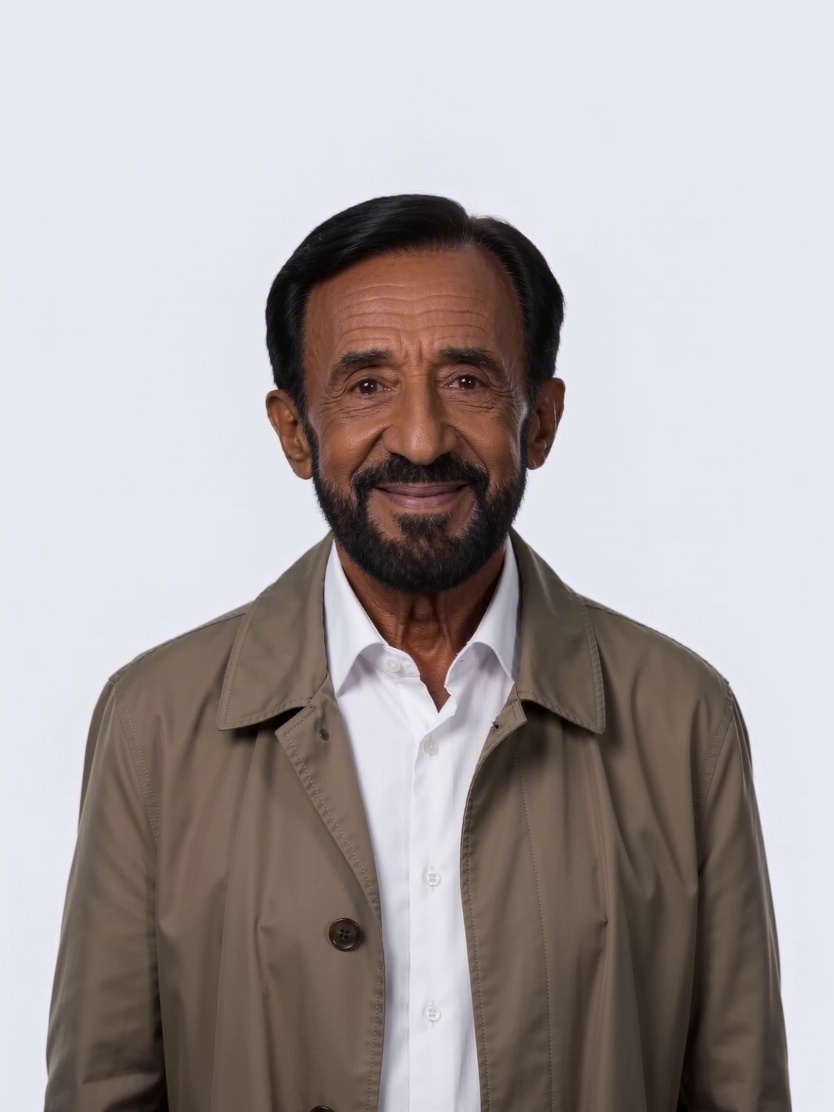
 3:4
3:4Executive portrait
A confident leadership portrait in a refined editorial style.
Business
Describe the scene you have in mind. IdeaToArt helps you create an original still image or short video, choose the format that fits your channel, and keep every generation in one focused workspace.
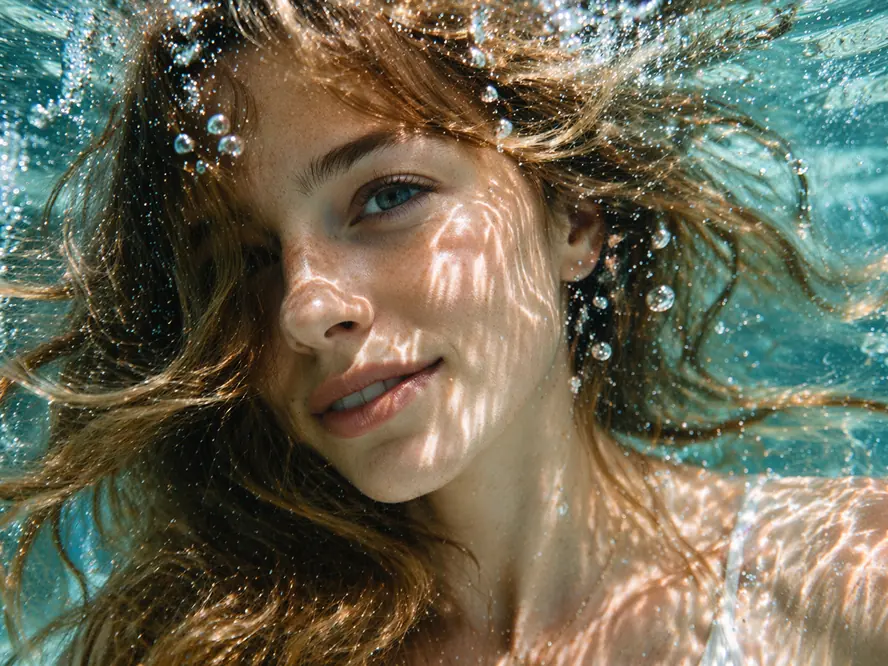
A quiet underwater fashion portrait, natural caustic light, suspended bubbles, calm expression, cinematic detail.
Write the subject, mood, composition, and details that matter. Choose an enabled model and the right frame, then generate without leaving the page. Sign in is requested only when you submit a task.
Use a ready-made prompt direction, then make it your own.
3:4A confident leadership portrait in a refined editorial style.
 1:1
1:1A calm, credible healthcare portrait with clinical detail.
 9:16
9:16An observant creative portrait with a documentary feel.
 16:9
16:9A focused player portrait with energetic modern lighting.
 1:1
1:1A considered portrait for a design or studio profile.
 3:4
3:4A clear, curious science portrait with visual depth.
Describe the action, atmosphere, camera movement, and pacing. The video workspace combines your prompt with an available model, aspect ratio, and duration in one clear request.
Text-to-video controls built for short scenes
Landscape, portrait, square, and social-ready frames
Queued and completed tasks stay in Activity
From scene direction to motion
Prompt · 16:9 · short cinematic study
Use a still image when you need to settle the frame. Use a short video when movement is part of the idea. Both begin with a brief you can understand and revise.
Explore materials, lighting, styling, and backgrounds before committing to a production shoot or detailed design pass.
Create square, portrait, wide, and vertical directions for posts, stories, launch visuals, and campaign experiments.
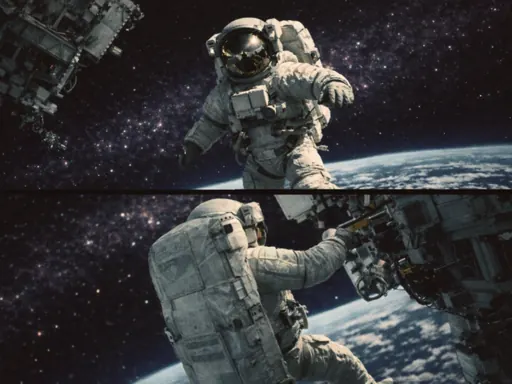
Turn a scene description into key visual directions, then test action, camera movement, and pacing in a short clip.
Develop repeatable visual cues for people, places, atmosphere, and the worlds around a story or brand.
The controls change with the output, but the creative logic stays simple.
Name the subject, setting, mood, composition, and details that must remain consistent.
Start with a still frame when composition matters most, or choose motion for action and pacing.
Select an available model, aspect ratio, and—when creating video—the requested duration.
Submit the task, inspect the result, and return to saved Activity when you want to continue.
IdeaToArt keeps the workspace focused on the decisions that change the result, without turning a first concept into a complicated editing project.
Keep visual intent in plain language instead of navigating a crowded editing timeline.
Use 1:1, 4:3, 3:4, 16:9, or 9:16. Video requests also include duration.
Only available models appear, so the workflow stays focused as the model catalog changes.
Queued and completed generations remain attached to your account instead of disappearing after one session.
Compare included credits and billing intervals. The selected model determines the cost of each generation, so review its exact requirement before submitting.
5,000 credits for focused personal projects, with email support.
50,000 credits, priority support, and API access for regular creative work.
500,000 credits, dedicated support, and room for larger production needs.
Clear answers about prompts, formats, accounts, and generated media.
You can create original still images and short videos from text prompts. Image and video use separate controls so each request matches its output.
Start with the subject and setting, then add mood, composition, light, and constraints. For video, also describe the action, camera movement, and pacing.
Available models depend on the current catalog. Start with the default model, then switch when you need a different visual style or motion behavior.
The workspace supports 1:1, 4:3, 3:4, 16:9, and 9:16. Choose the destination before generating so the composition is built for the final placement.
The video workspace offers 5- and 10-second generations. Keep the core action clear and achievable within the selected duration.
Yes. Generation requires sign-in so the task, status, and result can be saved to your Activity.
Open Activity from your account to review queued, completed, or failed tasks and return to saved results.
Commercial rights depend on the selected model, provider terms, your plan, and the rights to any source material. Review those terms before publishing client or paid work.
Write the scene, choose image or video, and turn the direction in your head into something you can see.