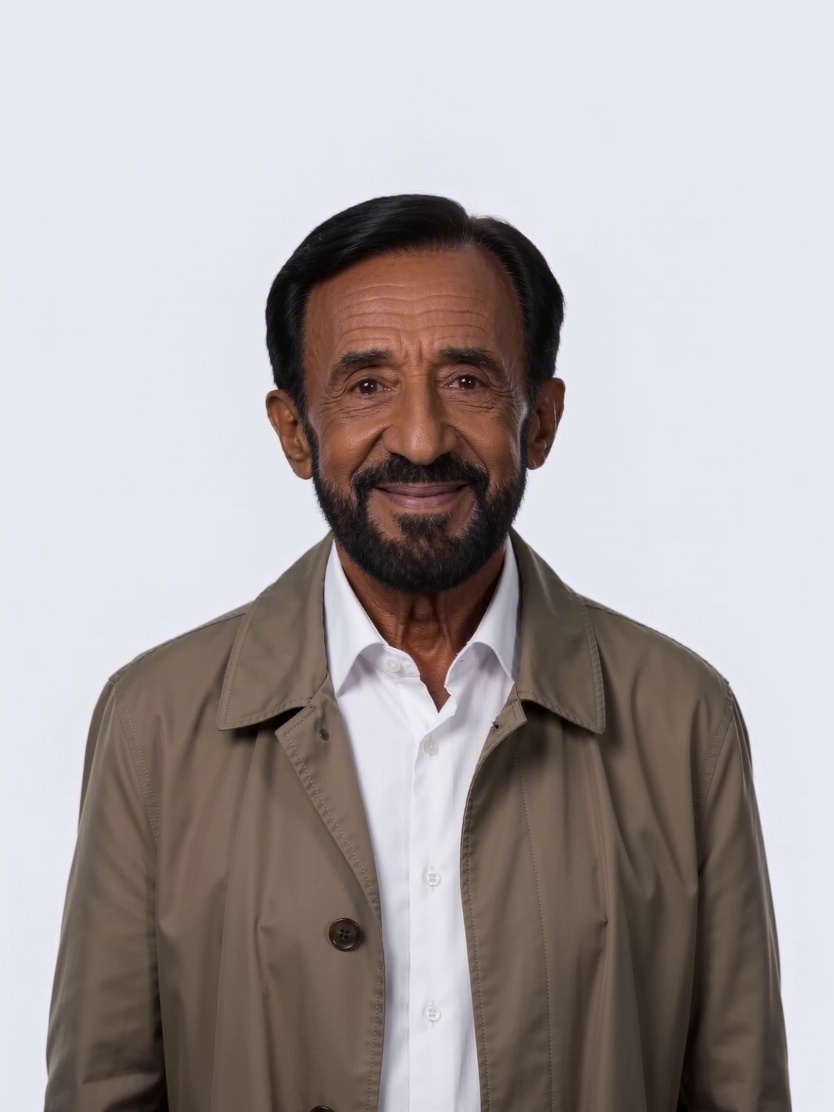
 3:4
3:4Executive portrait
A confident leadership portrait in a refined editorial style.
Business
Turn a prompt into production-ready images.
Use a ready-made prompt direction, then make it your own.
3:4A confident leadership portrait in a refined editorial style.
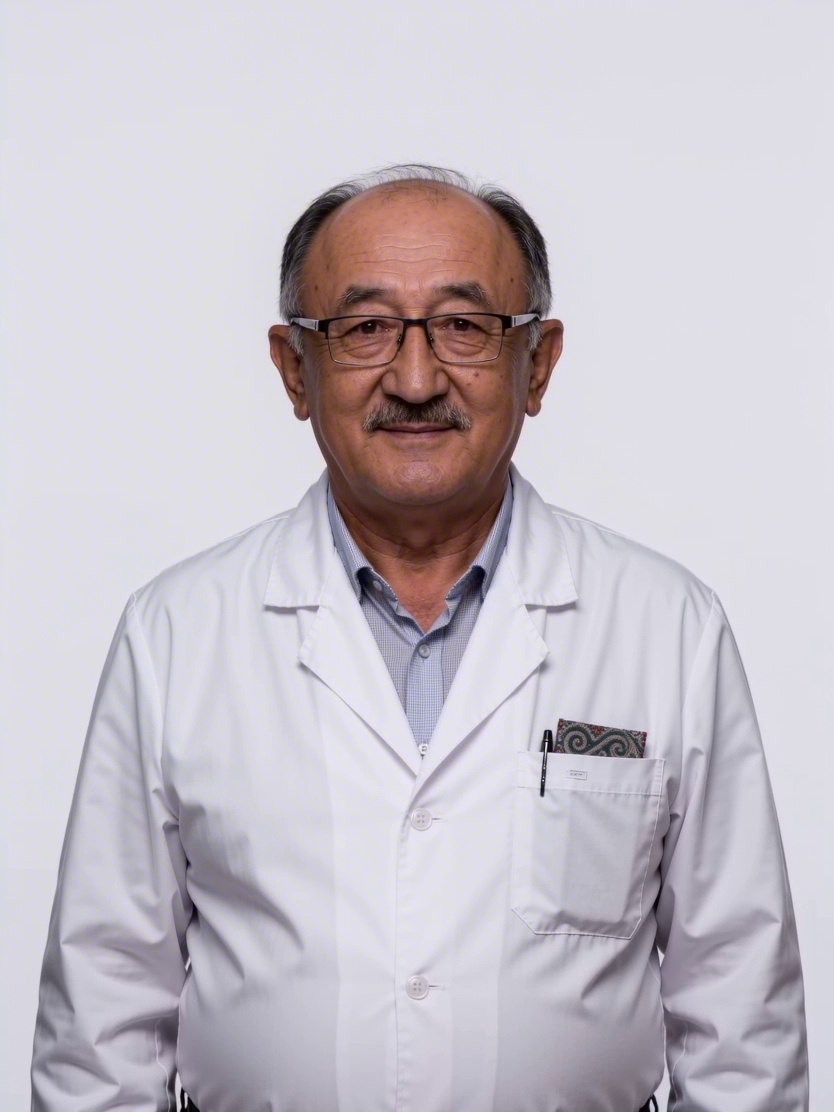 1:1
1:1A calm, credible healthcare portrait with clinical detail.
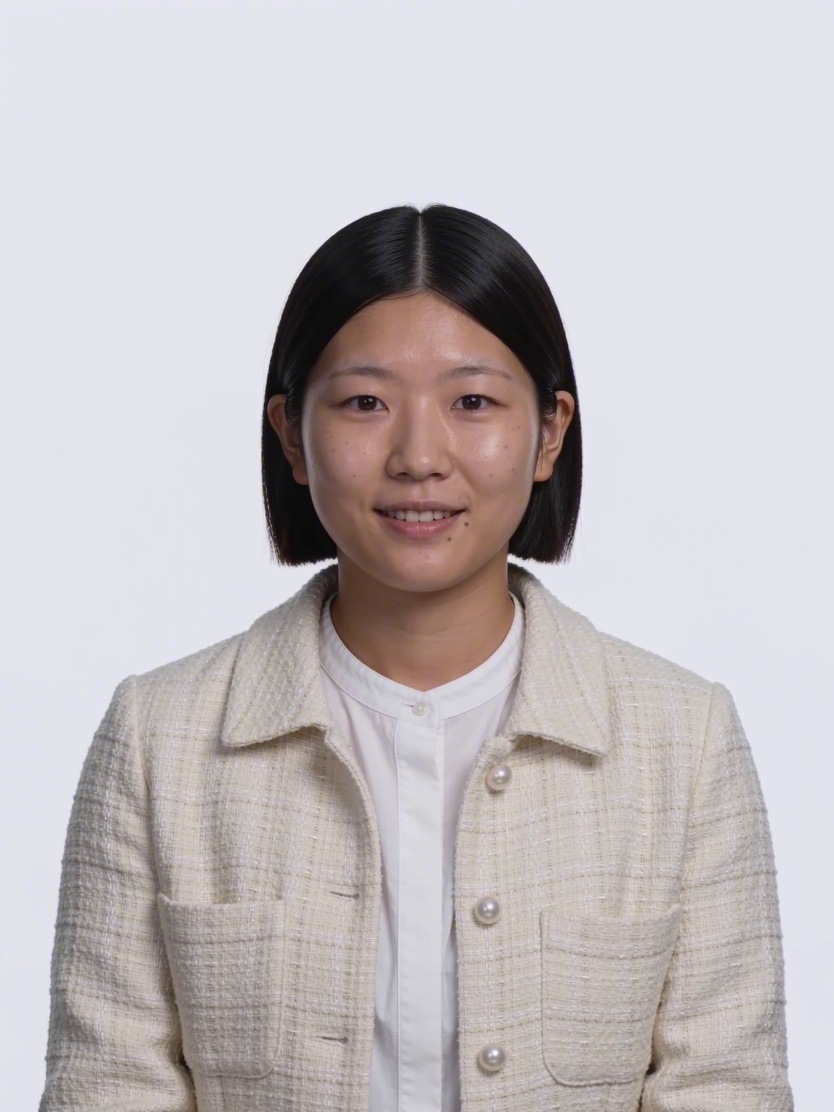 9:16
9:16An observant creative portrait with a documentary feel.
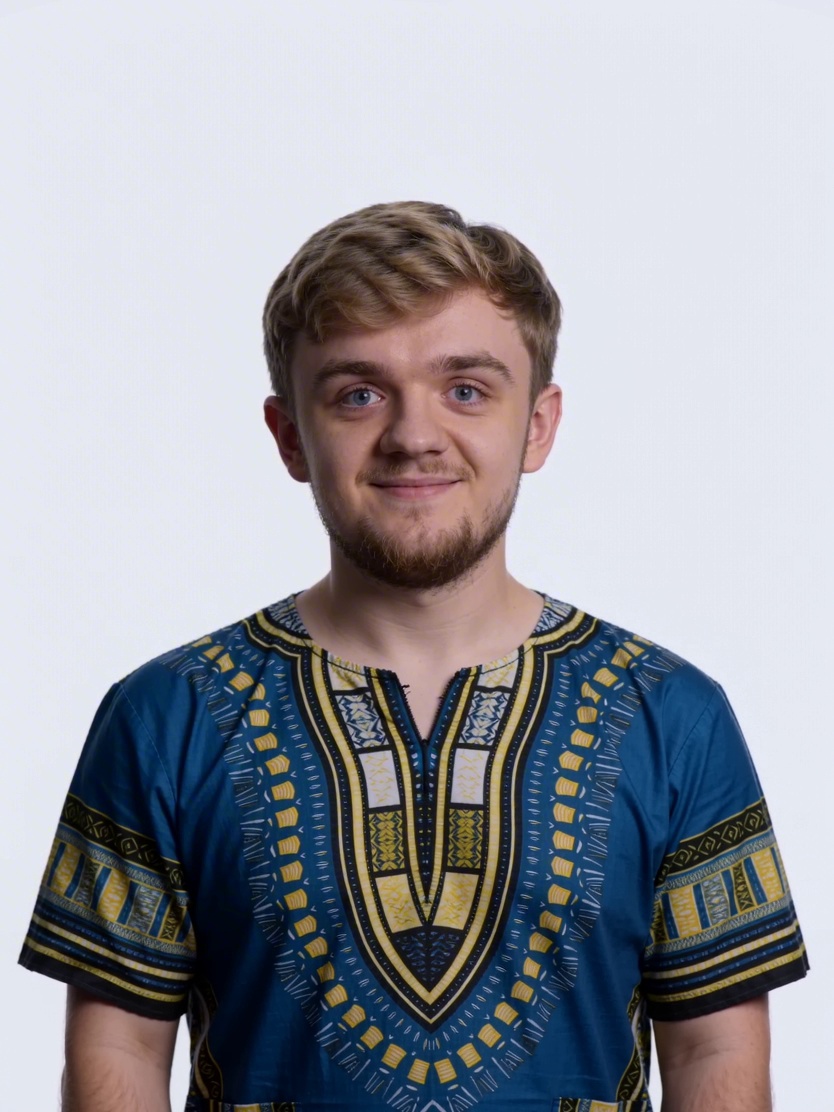 16:9
16:9A focused player portrait with energetic modern lighting.
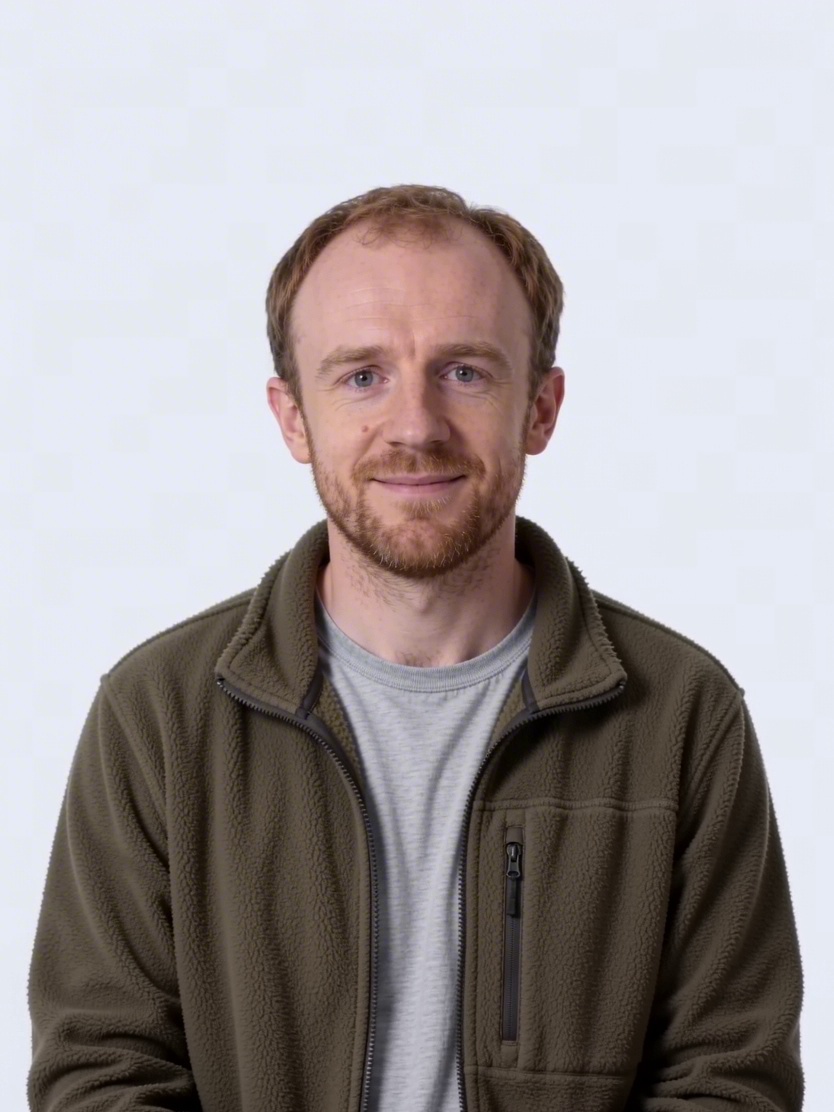 1:1
1:1A considered portrait for a design or studio profile.
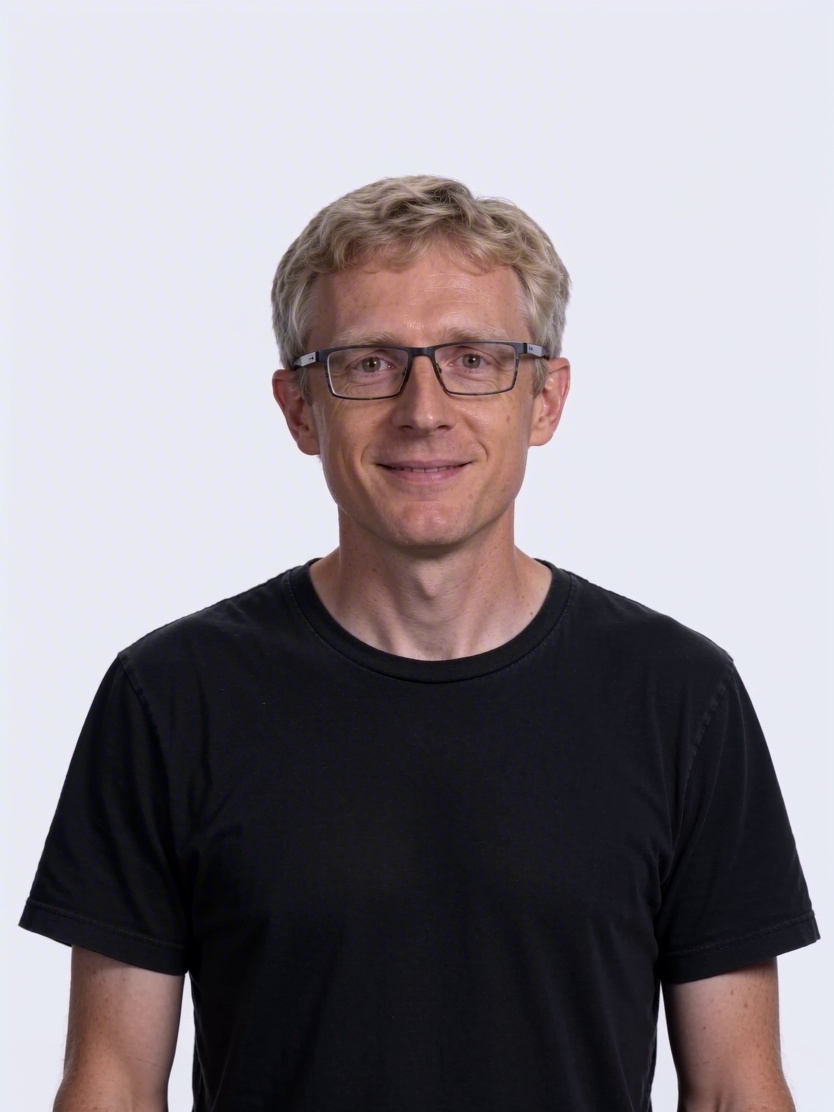 3:4
3:4A clear, curious science portrait with visual depth.
A useful text-to-image prompt names the subject, setting, mood, composition, and light. Set the destination first, then choose the aspect ratio that gives the subject enough room.
Name the person, object, place, or scene before adding style words.
Describe light, camera distance, materials, color, and the mood you want the image to hold.
Use square for flexible social assets, portrait for editorial work, and wide frames for scenes or campaigns.
Use the AI video generator to describe action, camera movement, and pacing for a short clip.